New for 2025

Quick Visual Aids & Hints

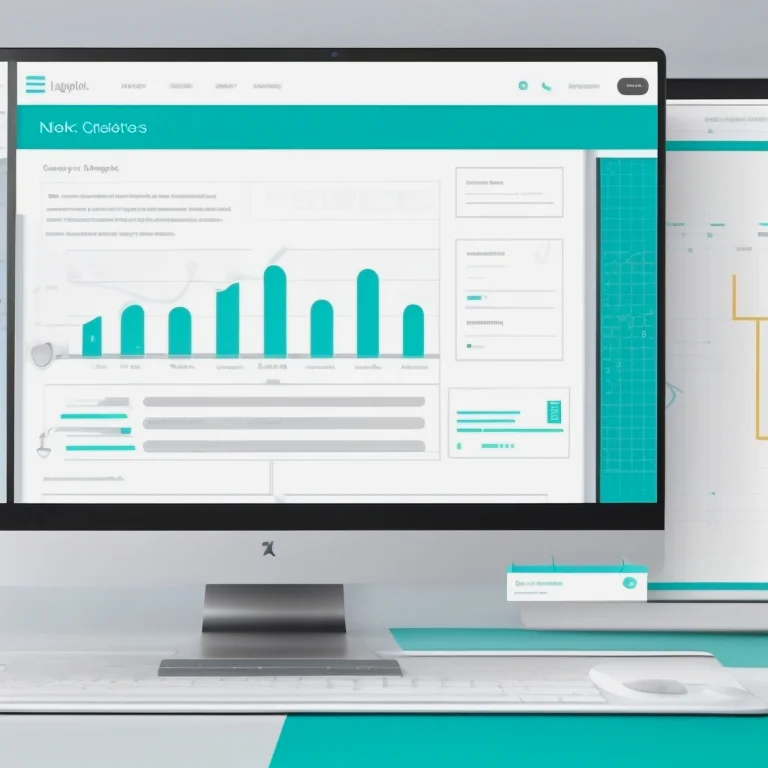
Elevate your presentations with clear, concise visual cues and guided hints that keep your audience engaged and informed.

Why Choose Quick Visual Aids & Hints?

Clarity at a Glance

Instantly convey key points with visual elements that highlight important content and make complex ideas easy to grasp.

Clarity at a Glance

Instantly convey key points with visual elements that highlight important content and make complex ideas easy to grasp.

Customizable Templates

Access professionally designed layouts and tailor each element to fit your brand colors, typography and messaging style.

Seamless Integration

Embed visual aids into your existing slides, videos or web pages with minimal effort and maintain a consistent look across all platforms.


Ready to Transform Your Content?

Experience the power of intuitive visual aids and hints to make your message stand out. Start Your Free Trial

Contact

Meet the Team

Our designers and content strategists collaborate to craft visual solutions that deliver clear, impactful communication.

Emily Chen

Emily Chen

Lead Visual Designer

Alex Walker

Alex Walker

UX Designer

Priya Singh

Priya Singh

Visual Strategist

Quick Tips

Quick Visual Aids & Hints

Harness lightweight visual tools and contextual prompts to guide your users smoothly through any interface, reducing friction and boosting comprehension effortlessly.

Instant Diagrams

Auto-generated flowcharts and diagrams appear inline to illustrate complex steps in a glance, making onboarding and tutorials more intuitive.

Explore All Features

Color Cues

Highlight key areas with adaptive color accents that draw attention to important elements without overwhelming the layout.

Explore All Features

Annotated Overlays

Semi-transparent overlays with concise notes appear exactly where guidance is needed, clarifying actions without leaving the current context.

Explore All Features

Step Indicators

Sequential badges and numbered markers break procedures into clear stages, helping users track progress and stay on course.

Explore All Features

Icon Triggers

Small icon buttons activate on-demand tips, offering extra detail only when users request it, preserving screen real estate.

Explore All Features

Context Popups

Smart popups deliver brief hints based on user behavior and screen context, ensuring assistance is timely and relevant.

Explore All Features

How It Works

ViewsTopGo embeds dynamic visual hints directly into your user interface. Each aid adapts to the page layout and user actions, offering clear, unobtrusive directions. No extra modules or heavy scripts—just lean visuals that engage as users explore features or complete tasks.

Get Started
image

Visual Flow Chart

Automatically map out multi-step processes with inline flow diagrams that update as your application evolves, ensuring guides always match the live experience.

See Details
image

Handy Sticky Notes

Pin context-aware notes to critical buttons and fields so newcomers can start working without consulting lengthy manuals or external guides.

Learn More

Get in Touch Need guidance on our visual aids & hints? Fill out the form below and our team will assist you.

  • Expert graphic designers
  • Quick turnaround times
  • Tailored visual solutions

Boost Your Workflow

With ViewsTopGo, integrated visual hints reduce the time users spend figuring out unfamiliar screens. Each prompt is designed to be informative yet lightweight, keeping interfaces clean and focused.

Real-time Guidance

Tips appear exactly when needed, adapting to the current step and ensuring every user receives help at the perfect moment.

Smart Highlights

Automatic highlighting of buttons and controls guides attention to the next action without dragging eyes away from the main content.

Dynamic Tips

Contextual hints adjust based on user behavior, offering shorter notes for returning visitors and more detailed guidance for newcomers.

Easy Navigation

Breadcrumb-like markers and directional arrows lead users through multi-pane layouts, reducing guesswork and clicks.

Implement these tools in minutes and watch orientation time shrink while overall clarity soars. ViewsTopGo’s modular design fits any interface framework with minimal setup.

Start Using Visual Aids
Boost Your Workflow